

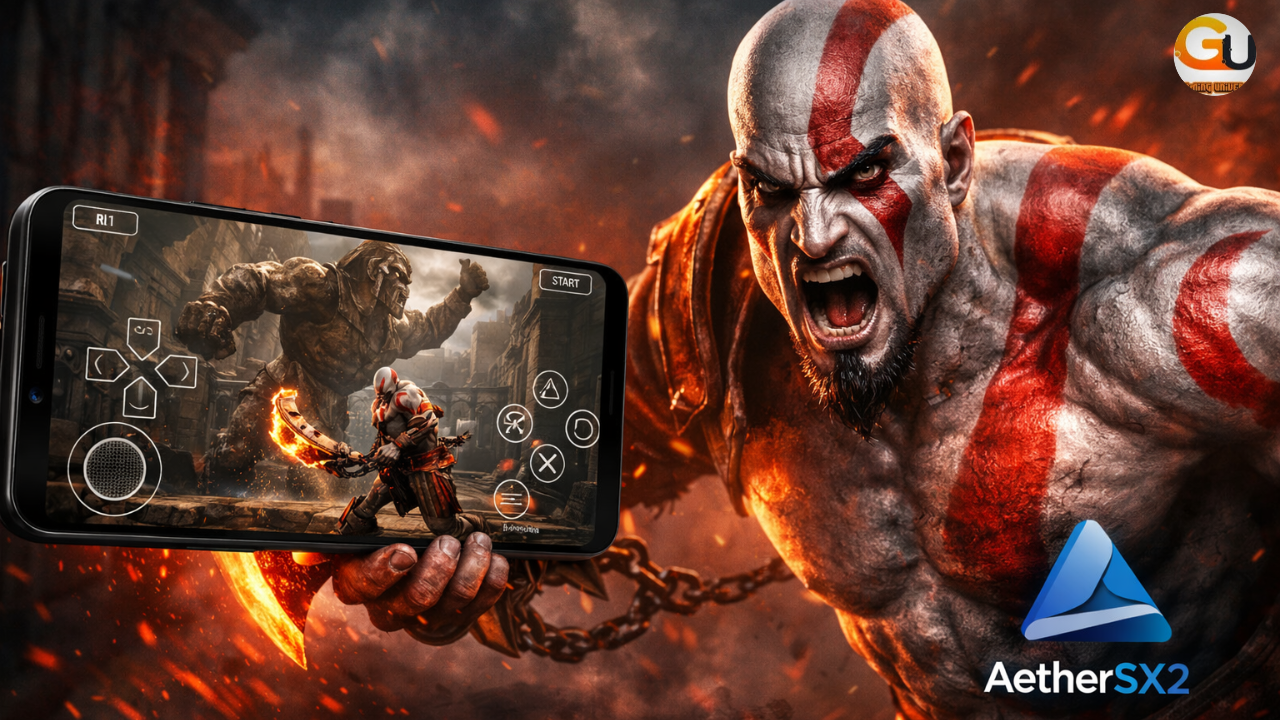
God of War 2 aethersx2 is one of the most iconic action games ever released. How to Play God of War 2 AetherSX2 android. Since it was originally developed for PlayStation 2, many Android users are confused about how to play it properly on mobile.
The truth is simple:
God of War 2 works best on Android using a PS2 emulator, and the best PS2 emulator right now is AetherSX2.
What Is AetherSX2? (Play God of War 2 AetherSX2)
AetherSX2 is a PlayStation 2 (PS2) emulator for Android. It allows you to play original PS2 games on your phone with improved graphics and smooth performance.
Since God of War 2 was released only for PS2, AetherSX2 is the correct and most reliable emulator to play the full game on Android.
🔥 Why AetherSX2 Is Best for God of War 2
AetherSX2 is recommended because it offers:
- Full PS2 game compatibility
- Better graphics than PSP emulators
- Smooth gameplay with proper settings
- Controller support
- Active optimization for Android devices
Compared to PPSSPP, AetherSX2 runs the real God of War 2, not a modified or incomplete version.
📱 Minimum Requirements (God of War 2 AetherSX2)
To get smooth gameplay, your device should have:
- Android 9 or higher
- 4GB RAM minimum (6GB recommended)
- Snapdragon 720G / Dimensity 900 or better
- Vulkan-supported GPU
- At least 6GB free storage
Low-end devices may struggle with this game.
📥 How to Play God of War 2 AetherSX2 Android
Follow these steps carefully:
Step 1: Install AetherSX2
Download and install AetherSX2 from a trusted source or Play Store (if available in your region).
Step 2: Get God of War 2 PS2 ISO
You need the God of War 2 PS2 ISO file.
Make sure the file format is .ISO or .BIN.
Step 3: Set Up AetherSX2
- Open AetherSX2
- Grant storage permissions
- Select the folder where your PS2 games are stored
The game will appear automatically in the library.
Step 4: Launch the Game
- Tap on God of War 2
- Configure settings (see below)
- Start playing
Best AetherSX2 Settings for God of War 2 (No Lag)
Use these settings for the best balance between graphics and performance:
Graphics Settings
- Renderer: Vulkan
- Upscale Multiplier: 2x (Mid-range) / 3x (High-end)
- Texture Filtering: Bilinear
- VSync: Off
System Settings
- EE Cycle Rate: -1
- EE Cycle Skip: 1
- Multi-Threaded VU1: On
- Fast Boot: On
Audio Settings
- Synchronization Mode: TimeStretch
These settings are tested and work well on most devices.
Tips to Improve Performance
- Close background apps
- Use Vulkan instead of OpenGL
- Reduce resolution if FPS drops
- Keep your phone cool
- Avoid charging while playing
Can God of War 2 Run on Low-End Phones?
God of War 2 is a heavy PS2 game. & i am going to How to Play God of War 2 on Android Using AetherSX2
Low-end phones may experience lag, slow motion, or crashes.
For best experience:
✔ Mid-range or flagship phones are recommended
✔ 6GB RAM gives smoother gameplay
Important Note (Truth-Safe)
God of War 2 was never released for PSP, so it is not properly playable on PPSSPP.
Any website claiming “God of War 2 PPSSPP fully playable” is misleading.
AetherSX2 is the correct emulator for playing the original God of War 2 on Android.
🔗 Suggested Internal Links
FAQ – How to Play God of War 2 AetherSX2 On Android
Q1: How to Play God of War 2 AetherSX2?
Yes. You can play God of War 2 on Android using a PS2 emulator like AetherSX2, which is designed to run PlayStation 2 games properly.
Q2: Why doesn’t God of War 2 work on PPSSPP?
PPSSPP is a PSP emulator, and God of War 2 was never released for PSP. Since it is a PS2 game, PPSSPP cannot run it correctly.
Q3: Is AetherSX2 the best emulator for God of War 2 on Android?
Yes. AetherSX2 is currently the best PS2 emulator for Android and provides the most stable performance for God of War 2.
Q4: What Android phone is required to run God of War 2 smoothly?
For smooth gameplay, you need:
- Android 9 or higher
- At least 4GB RAM (6GB recommended)
- A mid-range or flagship processor
Low-end phones may experience lag.
Q5: Which graphics backend is best in AetherSX2 for God of War 2?
The Vulkan renderer offers better FPS and smoother gameplay on most Android devices.
Q6: Does God of War 2 run at 60 FPS on Android?
On high-end devices with proper AetherSX2 settings, the game can reach near-smooth performance, but stable 60 FPS is not guaranteed on all phones.
Q7: Is it legal to use AetherSX2?
Yes, the emulator itself is legal. However, you should only use game files that you legally own.
Q8: Can I use a controller to play God of War 2 on AetherSX2?
Yes. AetherSX2 fully supports Bluetooth and USB controllers, giving a console-like experience.
Q9: Why is God of War 2 slow or lagging on my phone?
Lag usually happens due to:
- Weak CPU/GPU
- High resolution settings
- Background apps running
Lowering graphics settings improves performance.
Q10: Will God of War 2 ever be officially playable on PPSSPP?
No. Since God of War 2 was never made for PSP, it will never be officially supported by PPSSPP.